
Recipe importing
How to scan recipes from a cookbook on iPhone
From a printed page to a recipe you can actually cook: capture it clearly, keep its source and check the details.
 By Salsa
THE SHORT ANSWER
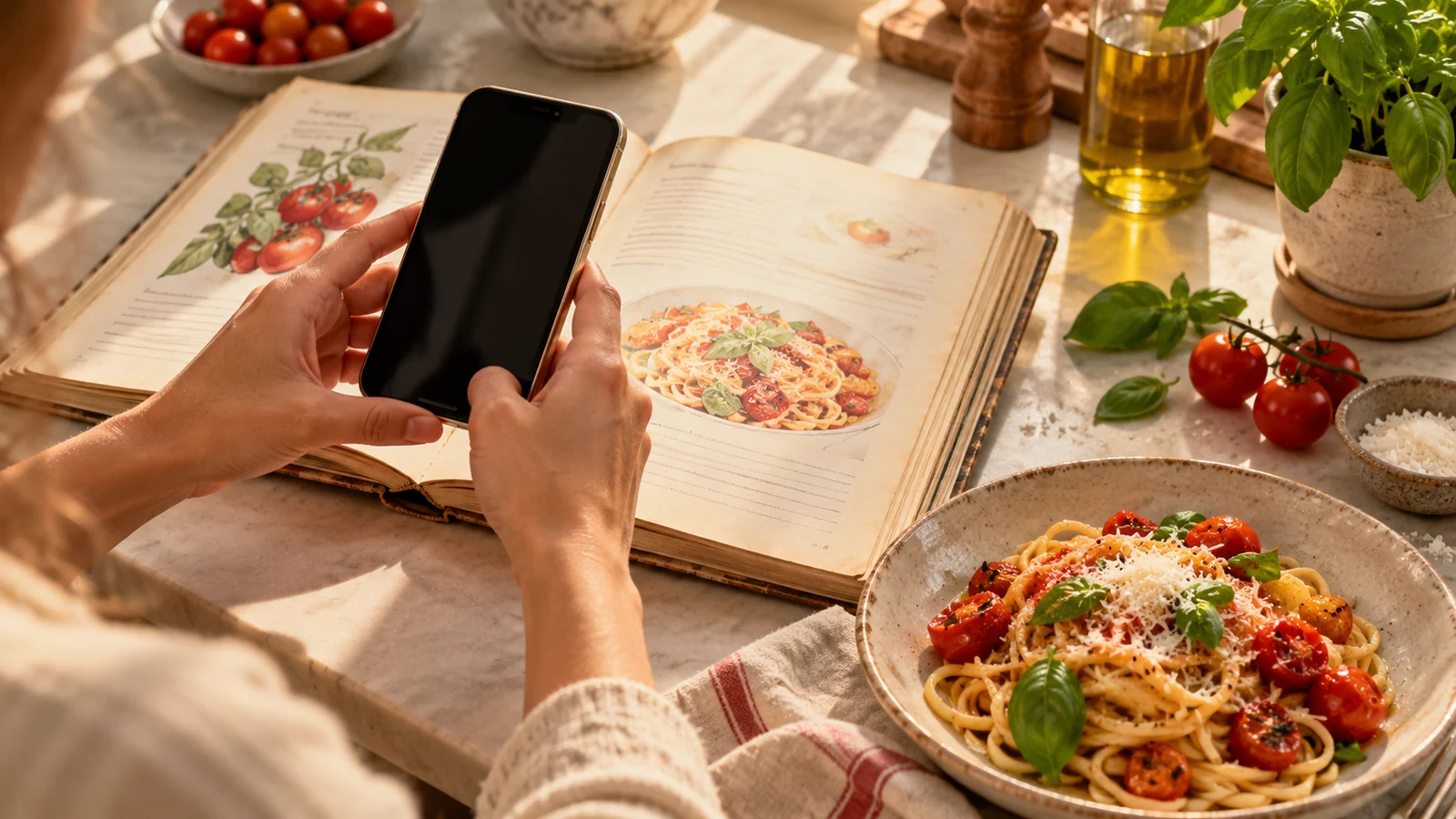
Photograph every page that contains ingredients, instructions, yield and important notes. Keep the page flat and the text sharp. Import the photos into a recipe app, or use iPhone Live Text to copy the complete text. Before cooking, compare the digital recipe with the book, especially quantities, units, temperatures and steps.
A cookbook page is lovely to browse, but it is not always easy to find again with flour on your hands. A clear iPhone capture gives you a useful reference; turning that capture into a recipe you can search and follow takes one more step. The essential part is checking the result against the printed source.
This guide covers printed cookbooks. For a recipe that is already online, follow our website recipe guide instead.
Capture the whole printed recipe
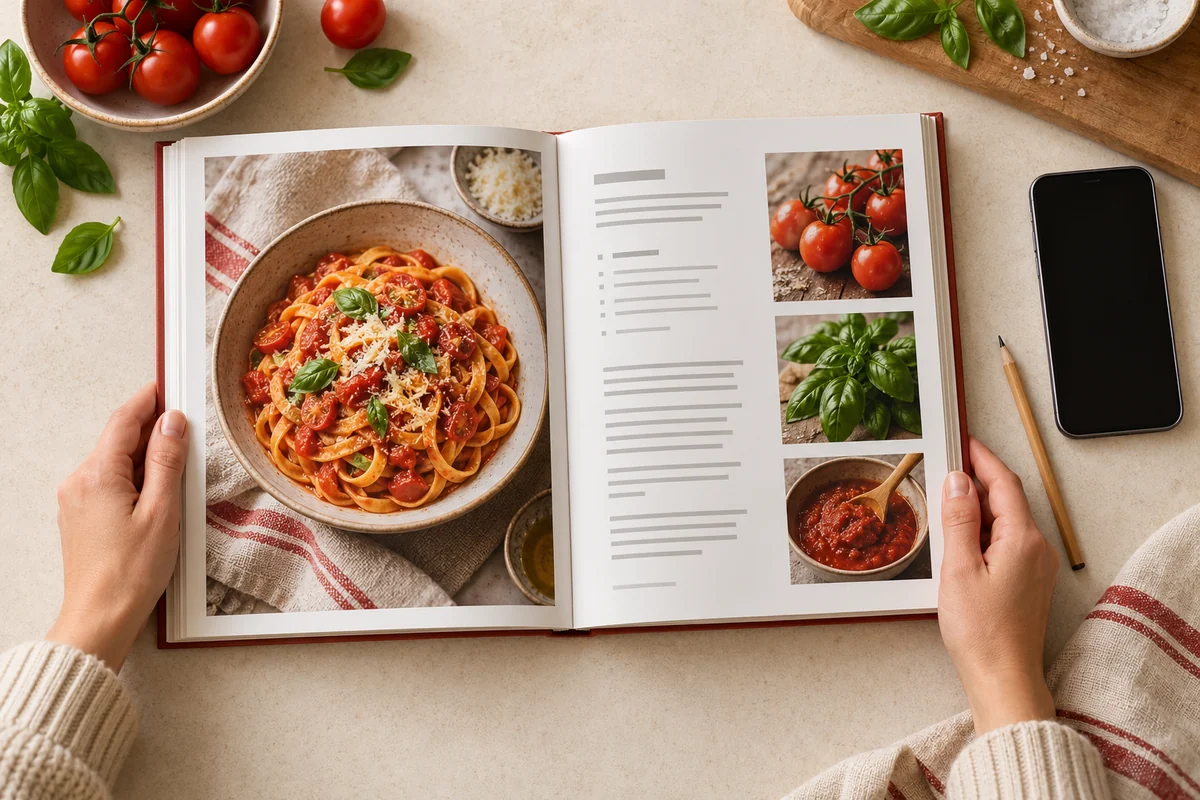
Open the book so the recipe page lies as flat as possible. Use even daylight or another soft light, and move your phone until there is no glare across the ingredient list. Hold it parallel to the page, leave a small margin around the text and check that the smallest type is readable before moving on.
Find every part of the recipe
Include the yield, ingredient list, method, cooking temperature, timing and any notes that change the result. If the method continues on a facing page, capture that page too.
Take a clear photo of each page
Focus on the text rather than the dish photo. Avoid fingers over measurements, curved text near the book’s spine and shadows across fractions.
Review before you close the book
Zoom in on the smallest amounts and the last method step. Retake a blurred page now, while the book is still open.
Note the cookbook title, author and page number for your own reference. Keep the original pages available while you verify the digital version. If you later share a scan or republish someone else’s recipe text, check the book’s terms and get permission where needed.
Turn the pages into a usable iPhone recipe
A photo, a scanned PDF and an editable recipe are different things. Apple’s Scan Documents feature can preserve paper pages in Notes or Files. That is useful as an archive, but it does not by itself organise ingredients and cooking steps. Salsa’s current App Store listing supports importing recipe photos as well as text and links.
| Method | Best for | Next check |
|---|---|---|
| Photos or document scan | Keeping a visual copy of the original page | Confirm that every page is present and readable. |
| Live Text | Copying text from a clear photo into a note or recipe app | Check fractions, units and line order against the page. |
| Salsa photo import | Making a recipe you can search and cook from | Review the resulting ingredients and steps before saving or cooking. |
To use Salsa, open its recipe-adding options and choose the photo import option shown in your current app version. Select all the recipe-page photos in reading order. Follow the on-screen import and account prompts, then open the result beside the book. Button wording may change between releases.
If you prefer to copy text first, Apple’s Live Text can select text from an image on supported iPhones. Copy the full ingredients and method, then use Salsa’s text import option. Live Text may misread a small fraction or a line near the spine, so keep the original photo for comparison. Do not treat a Notes PDF as a supported Salsa import format unless the app actually offers it.
Check the digital recipe against the book
Whether text was copied by hand, recognised from a photo or organised by an app, read it once before you cook. A tidy recipe card can still contain a missed line.
- Yield and servings: is the original amount preserved before you adjust it?
- Ingredient quantities: compare every numeral and fraction, especially ½, ¼ and ranges.
- Units: a tablespoon, teaspoon, gram and millilitre are not interchangeable.
- Divided ingredients: check whether one total amount is used in several steps.
- Method order: make sure no instruction was skipped or merged with the wrong ingredient.
- Heat and timing: preserve oven settings, rest periods and food-safety instructions from the source.
- Notes: retain anything that changes preparation or doneness.
Correct a mismatch using the book, rather than guessing an amount to fill a gap. Salsa’s listing describes AI-assisted import, but that does not replace this source check.
When the scan is hard to read
- Text curves into the binding
- Move the book into brighter light, flatten it gently without damaging it and photograph that part of the page separately.
- A fraction or unit looks wrong
- Zoom into the original page. Retake the photo if needed and manually correct the digit or unit before cooking.
- Ingredients and steps are on different pages
- Capture both pages in order and check that the imported method matches the same recipe version.
- The photo import misses a section
- Retake the missing area or copy its text with Live Text, then review the whole recipe. Do not invent the absent instructions.
Cook from the recipe you saved
Once you have checked the import, give the recipe a name you will recognise and keep its cookbook source in your notes if the app version offers a suitable field. A digital copy makes it easier to find the dish again, but the printed book remains your authority when something is unclear.
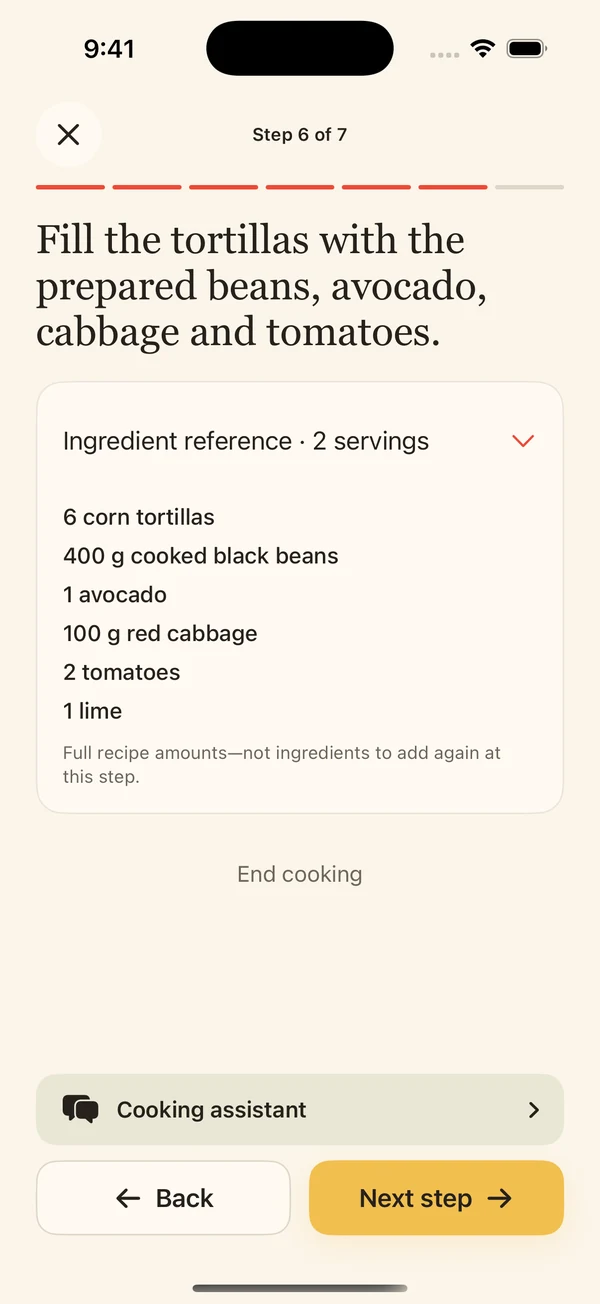
Salsa’s released iPhone app shows saved recipes as guided cooking steps with ingredient amounts and timers you choose to start. Read the whole recipe before you begin, then follow the steps while checking the food itself. For the cooking routine, see our step-by-step guide.
Common questions
Can I scan a cookbook recipe with iPhone Notes?
Yes. Notes can scan a page into a document for reference. If you want editable ingredients and cooking steps, you still need to copy or import the recipe into a suitable app and check the result.
Will a photo of the dish be enough?
No. Capture the written ingredients and full method, including any second page or notes. The finished-dish photo does not contain the instructions needed to cook it.
Can I import a scanned PDF into Salsa?
The current App Store listing confirms recipe photo and text import. It does not establish PDF import, so use clear page photos or complete text rather than assuming a PDF will work.
Can I share the scanned page?
Keep track of the cookbook’s author and title, and check its terms before distributing a scan or reposting its text. Ask permission where needed.